Your Guide to the Latest CarPlay App Additions
Apple's CarPlay system continues to expand its app ecosystem, making it easier than ever to use your favorite iPhone apps directly on your car's dashboard. Recently, six popular apps have joined the lineup, including ChatGPT, Perplexity, Grok, Google Meet, WhatsApp, and Audiomack. This Q&A breaks down everything you need to know about these new arrivals, from how they work to what features are available. Whether you're a chatbot enthusiast, need to take a meeting on the go, or want to stream independent music, these updates have something for you. Read on to discover the details and get the most out of your CarPlay experience.
What new apps have been added to CarPlay recently?
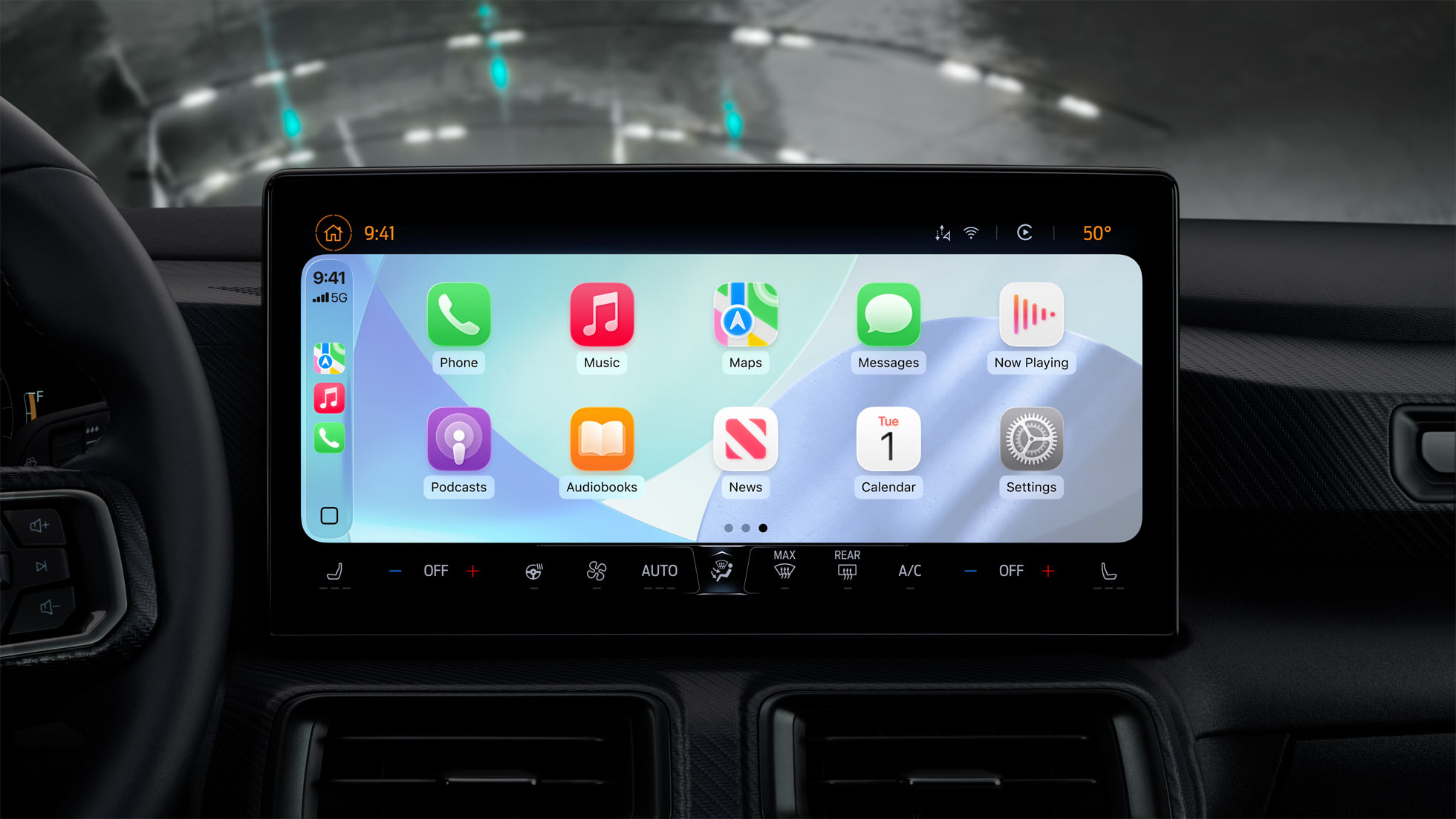
Apple has rolled out support for six popular apps on CarPlay, enhancing both productivity and entertainment in your vehicle. The list includes ChatGPT, Perplexity, and Grok—three leading chatbots—along with the video conferencing tool Google Meet, the messaging giant WhatsApp (with a major revamp), and the indie music streaming platform Audiomack. These apps automatically appear on your CarPlay interface once you update to the latest version of each app. For safety, all interactions are designed to minimize distraction, focusing on voice commands and simplified interfaces. The additions reflect Apple's ongoing commitment to expanding CarPlay's functionality while keeping drivers focused on the road.
How does ChatGPT work on CarPlay?
Starting with a recent iOS update (version 26.4), CarPlay now supports voice-based conversational apps, and ChatGPT is one of the first to take advantage. With the ChatGPT app on CarPlay, you can engage in voice-only conversations—no text or images appear on the screen to avoid distraction. The interface shows only the titles of your past conversations for easy reference. For example, you can ask for directions, get a recipe, or brainstorm ideas entirely through voice. Importantly, OpenAI optimized the app for car use, meaning responses are delivered audibly, and you can maintain a natural back-and-forth dialogue. This makes ChatGPT a practical co-pilot for information and ideas while driving. Remember, the app requires an active internet connection through your iPhone's cellular or Wi-Fi.
Are other chatbots like Perplexity and Grok also available?
Yes, in addition to ChatGPT, both Perplexity and Grok have launched CarPlay versions. These apps follow the same voice-only model, ensuring safe use while driving. Perplexity is known for its ability to provide concise, cited answers to queries, which now comes through hands-free audio. Grok, developed by xAI, offers a more conversational and humorous tone, making interactions feel less robotic. Both apps appear automatically on CarPlay once updated and can be accessed via voice commands. Like ChatGPT, they do not display text or images on the car screen, focusing solely on audio interactions. This trio of chatbots gives drivers multiple options for getting information, setting reminders, or even just having a chat, all while keeping eyes on the road and hands on the wheel.
What features does Google Meet offer on CarPlay?
Google Meet joins CarPlay as a productivity tool tailored for driving. With a single tap, you can join scheduled meetings directly from your car's display. The app also shows your upcoming schedule, so you can see what's next on your calendar. However, for safety reasons, video is disabled—you can only participate in audio calls. This means you'll hear participants but won't see the video feed. The interface is streamlined: you see meeting times, join buttons, and a list of recent calls. Google Meet is ideal for hands-free conference calls when you're on the road, but remember to pull over if you need to view any shared content. This addition makes it easier than ever to stay connected to work or family without fumbling with your phone.
How has WhatsApp been improved for CarPlay?
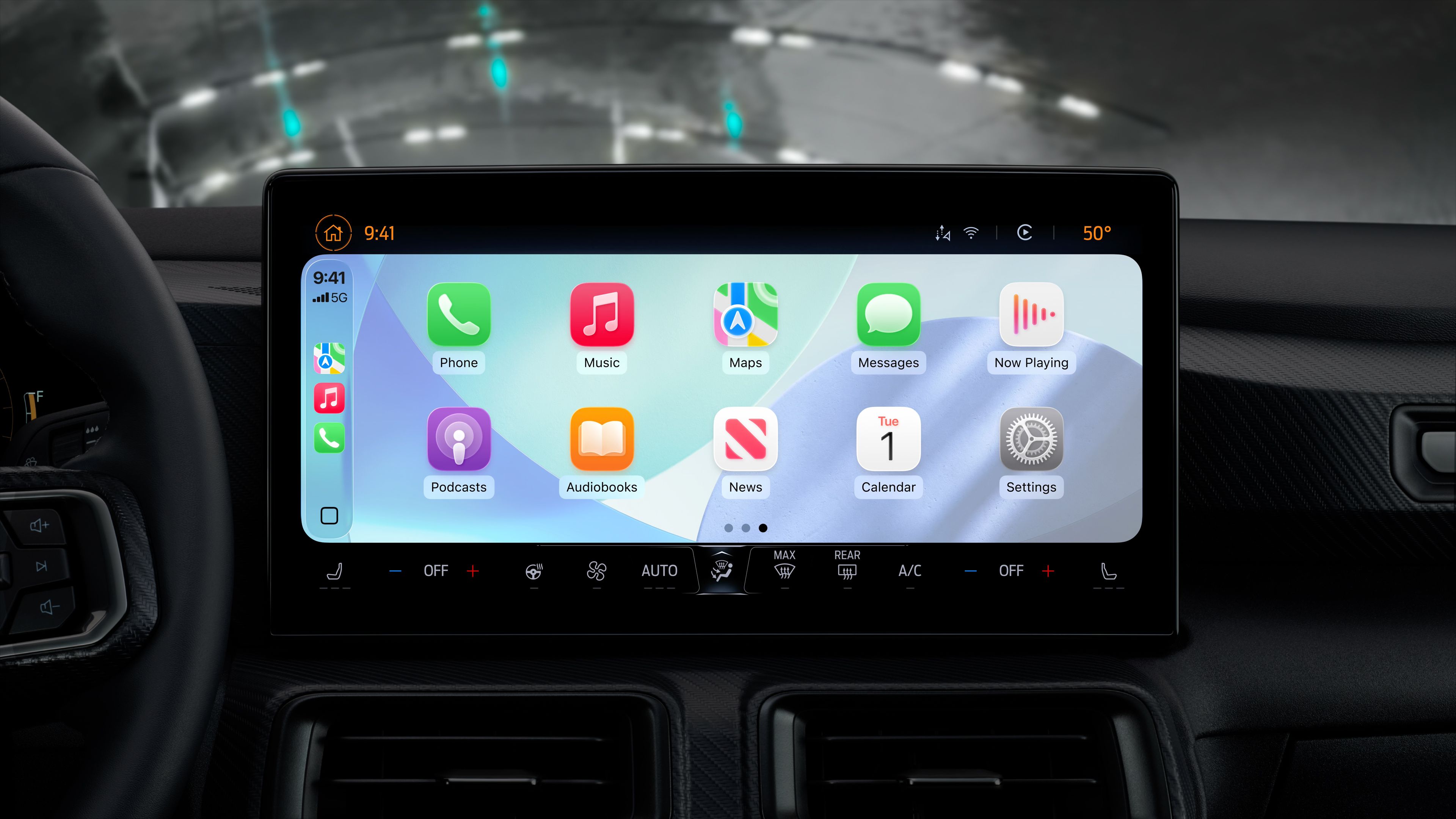
WhatsApp already had a basic CarPlay presence, but the revamped app brings a much richer experience. The updated version displays lists of recent chats and phone calls, along with a tab for your favorite contacts. This makes it simple to start a new conversation or continue an existing one using Siri voice commands. You can dictate messages, have them read aloud, and respond hands-free. The interface is clean and prioritizes recent activity, so you always see your most important conversations first. While you cannot view images or videos on the CarPlay screen (again, for safety), the audio messaging and calling features work seamlessly. This revamp makes WhatsApp a much more useful tool for staying in touch while driving, reducing the need to interact with your phone.
What is Audiomack and what does it offer on CarPlay?
Audiomack is a music streaming platform that focuses on independent artists, particularly in the Afrobeats and hip-hop genres. It ranks as the 8th most downloaded app in the U.S. App Store's Music category. On CarPlay, Audiomack provides a full-featured interface with tabs for Discover, Charts, Playlists, and My Library. You can browse new music, check trending charts, access your own playlists, and play songs you've already downloaded. The app supports streaming and offline playback, so you can listen even without a strong cellular signal. CarPlay integration means you can control everything via voice or the dashboard touchscreen. Whether you're looking for the latest hits from emerging talents or want to dive into curated playlists, Audiomack offers a fresh alternative to mainstream services—all while keeping your focus on the road.
Do I need to update my apps to see them on CarPlay?
Yes, to access these new CarPlay apps, you must have the latest versions of each app installed on your iPhone. Once updated, they should automatically appear on your CarPlay interface—no additional setup is required. If an app doesn't show up, try restarting your car's infotainment system or reconnecting your iPhone via USB or wireless CarPlay. Also ensure your iPhone is running a compatible iOS version (at least 26.4 for the chatbot apps). App updates are free from the App Store, so just check for updates regularly. Apple and developers have optimized these apps for driving, so they integrate smoothly with CarPlay's existing controls. If you're still having trouble, consult the app's support page or your vehicle's manual for troubleshooting tips.
Related Articles
- Ubuntu Embraces AI in 2026: A Principled Approach with On-Device Intelligence
- New Privacy Proxy Shields Enterprise Data from AI Chatbot Exfiltration
- Future-Proof Enterprise Java: From Jakarta EE to Quarkus and AI Integration
- GPT-5.5 on Microsoft Foundry: Key Questions Answered
- Google's 'AI Ultra Lite' Subscription: Bridging the Gemini Pricing Gap
- AWS Unveils Agentic AI Era: Desktop App, Hiring Solution, and OpenAI Pact Reshape Enterprise Tech
- OpenAI Compensates Over 8,000 GPT-5.5 Party Applicants with Codex Rate Limit Boost
- OpenAI’s GPT-5.5 Lands on Microsoft Foundry Tomorrow—Enterprise Agents Get a Major Boost