Reimagining Unity: A Modern Take on Ubuntu's Classic Desktop
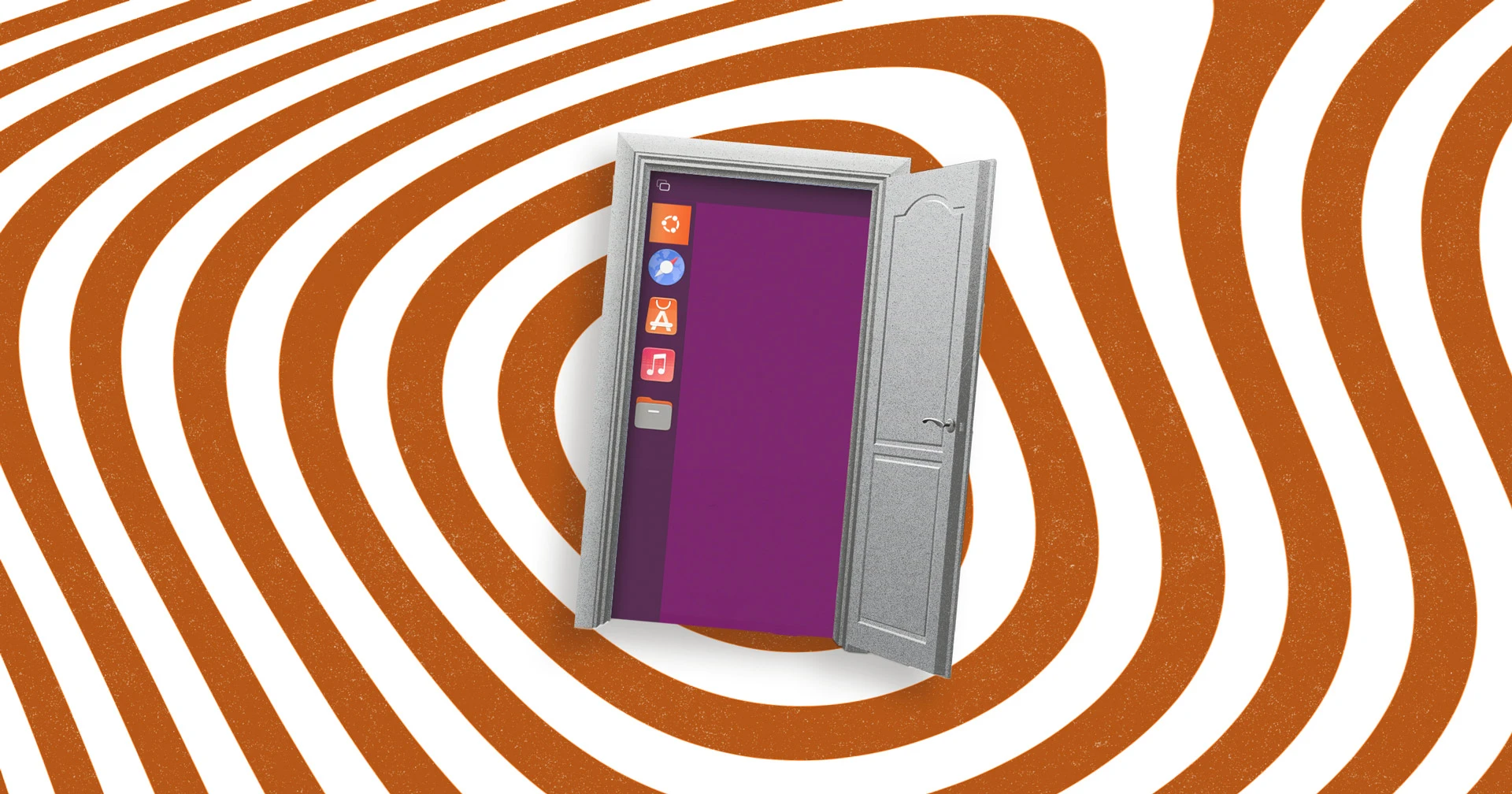
What if Canonical had never diverted into the smartphone market? Many believe Ubuntu would still feature its iconic Unity desktop, albeit in a more evolved form. Thanks to a dedicated community member, we don't need to imagine: a recent project rebuilds Unity's shell using Wayfire and Libadwaita, offering a fascinating glimpse into what could have been. Below, we answer key questions about this innovative remake.
What prompted the recreation of Ubuntu's Unity desktop using modern technologies?
Canonical's ill-fated smartphone pivot in the mid-2010s consumed significant resources and goodwill, leading the company to abandon its in-house Unity desktop in favor of GNOME. Had that not happened, Ubuntu would likely ship with a steadily evolving Unity today. This project, spearheaded by community member Muqtxdir, explores that alternate reality: it rebuilds Unity's shell using contemporary Linux display and UI technology. The goal is not merely nostalgic, but to demonstrate how the classic Unity experience—complete with its signature dash, launcher, and indicator panel—can be recreated with modern, performant tools like Wayfire and Libadwaita. The result bridges past vision and present capability, showing what Ubuntu might have looked like if Canonical had stayed its course.

Who is behind the Unity remake with Wayfire and Libadwaita?
The project is the work of Muqtxdir, an active member of the Ubuntu community with a strong track record of contributions. Muqtxdir helps maintain and develop Ubuntu's Yaru theme—the default visual style since Ubuntu 18.04—and also contributes to the immutable Linux distribution Vanilla OS. This background in theming and modern Linux packaging provides the expertise needed to reassemble Unity's complex interface using GTK4-layer-shell and Libadwaita widgets. The project is a personal experiment, shared publicly via a video demonstration, and reflects both technical skill and a deep appreciation for Ubuntu's design heritage.
What specific technologies are used in this Unity rebuild?
The remake leverages several modern Linux graphics and UI frameworks. The compositor is Wayfire, a modular and extensible Wayland compositor, replacing the traditional X11-based Compiz that Unity originally relied on. For the shell elements—panels, dash, launcher—the project uses GTK4-layer-shell, a library that allows GTK4 windows to act as overlays (like panels) on Wayland. The widget toolkit is Libadwaita, GNOME's modern UI library derived from GTK4 that provides adaptive, polished widgets. This combination yields a responsive, hardware-accelerated desktop that visually echoes Unity but runs on a completely modern stack. The use of Wayfire ensures smooth animations and per-display scaling, while Libadwaita gives a consistent, rounded aesthetic that feels contemporary.
How does this modern Unity differ from the original?
Visually, the remake stays true to Unity's core layout: a left-side launcher, a top panel with indicators and application menus, and the signature Dash overlay. However, under the hood, it is entirely different. The original Unity used Compiz for compositing, with its own plugins, and a custom widget stack. This new version runs on Wayfire (Wayland) and utilizes Libadwaita widgets, giving it smooth, tear-free rendering and better multi-monitor support. The look is subtly refined: sharper icons, rounded corners, and modern font rendering. Functionally, it replicates basic workflows—launching apps, switching workspaces, system indicators—but is still a proof of concept, not a full replacement. It demonstrates that Unity's user experience can be preserved while adopting the performance and security benefits of modern Linux technologies.
What is the significance of using Libadwaita and Wayfire in this project?
Using Libadwaita and Wayfire signifies a move toward standardization on the Linux desktop. Libadwaita is the GTK4 widget library that powers GNOME applications, ensuring a consistent look and feel across apps. By adopting it in a Unity-like shell, Muqtxdir shows that Unity's interface can integrate seamlessly with the broader GNOME ecosystem. Wayfire, as a Wayland compositor, offers superior performance, security, and support for modern hardware (e.g., variable refresh rate). This choice future-proofs the desktop against the ongoing deprecation of X11. Together, these technologies allow the remake to be both familiar and forward-looking, avoiding the technical debt that plagued the original Unity while retaining its distinctive workflow.
How does this project relate to Canonical's past decisions?
Canonical's decision to pour resources into Ubuntu Touch and convergence—the smartphone-to-desktop vision—ultimately drained funds and community trust. When they switched from Unity back to GNOME in 2017, many users felt abandoned. This remake serves as a wistful "what if" from the community. It suggests that Unity, if allowed to evolve, could have grown into a desktop that rivals GNOME and KDE in polish. The project is not endorsed by Canonical but emerges from the same open-source culture that made Ubuntu popular. It highlights the gap between corporate strategy and community desire, and it gives fans a chance to experience a path not taken—a modern Unity running on the very Wayland and GTK4 stack that Canonical itself now champions.
What role does the creator play in the Ubuntu community?
Muqtxdir is best known for maintaining Ubuntu's Yaru theme, the default look since version 18.04. Yaru is beloved for its original, warm aesthetic that balances flat and material design. This work requires deep understanding of GTK, Shell themes, and user expectations. Additionally, Muqtxdir contributes to Vanilla OS, an immutable distribution that emphasizes atomic updates and containerized apps. These experiences give unique insight into both theming (visual design) and system architecture (how the desktop integrates with the OS). The Unity remake is a natural extension of that expertise—applying design sensibilities to a functional shell. It cements Muqtxdir's role as a bridge between Ubuntu's past and its future, showing how community innovation can keep classic ideas alive.
What are the potential implications of this remake for Ubuntu's future?
While this is an unofficial experiment, it could influence future Ubuntu editions or spins. The use of Wayfire and Libadwaita demonstrates that a Unity-like interface is entirely feasible on modern frameworks. If interest grows, Ubuntu Flavors like Ubuntu Unity (an existing community spin) might leverage this code to modernize. Canonical itself has not shown intent to revert to Unity, but the project could inspire offshoots or spur discussions about bringing back certain Unity features (e.g., HUD, global menu). More broadly, it shows the power of open-source: a single developer can prototype a vision that challenges official direction. For users longing for Unity, this remake offers hope that their preferred desktop may continue to thrive through community effort, even if not as the default.
Related Articles
- 6 Key Facts About the Framework Laptop 13 Pro’s Panther Lake Linux Microphone Fix
- Meta's AI-Driven Efficiency: How Unified Agents Optimize Hyperscale Performance
- How Fedora Handles Kernel Vulnerability Patches: A Step-by-Step Guide
- Fedora Hummingbird: 10 Key Insights into the Future of Containerized OS
- Exploring Intel's Vulkan ANV Driver: Device Generated Commands and Descriptor Heap Support
- Empower Your Development with Squad: An AI Agent Team for Coders
- Terraform 1.15: Enhanced Module Sources and Variable Management
- Enforcing Reproducible Builds in Debian 14 Forky: A Step-by-Step Implementation Guide