Building Intelligent Chatbots with Python's ChatterBot Library
Introduction to ChatterBot
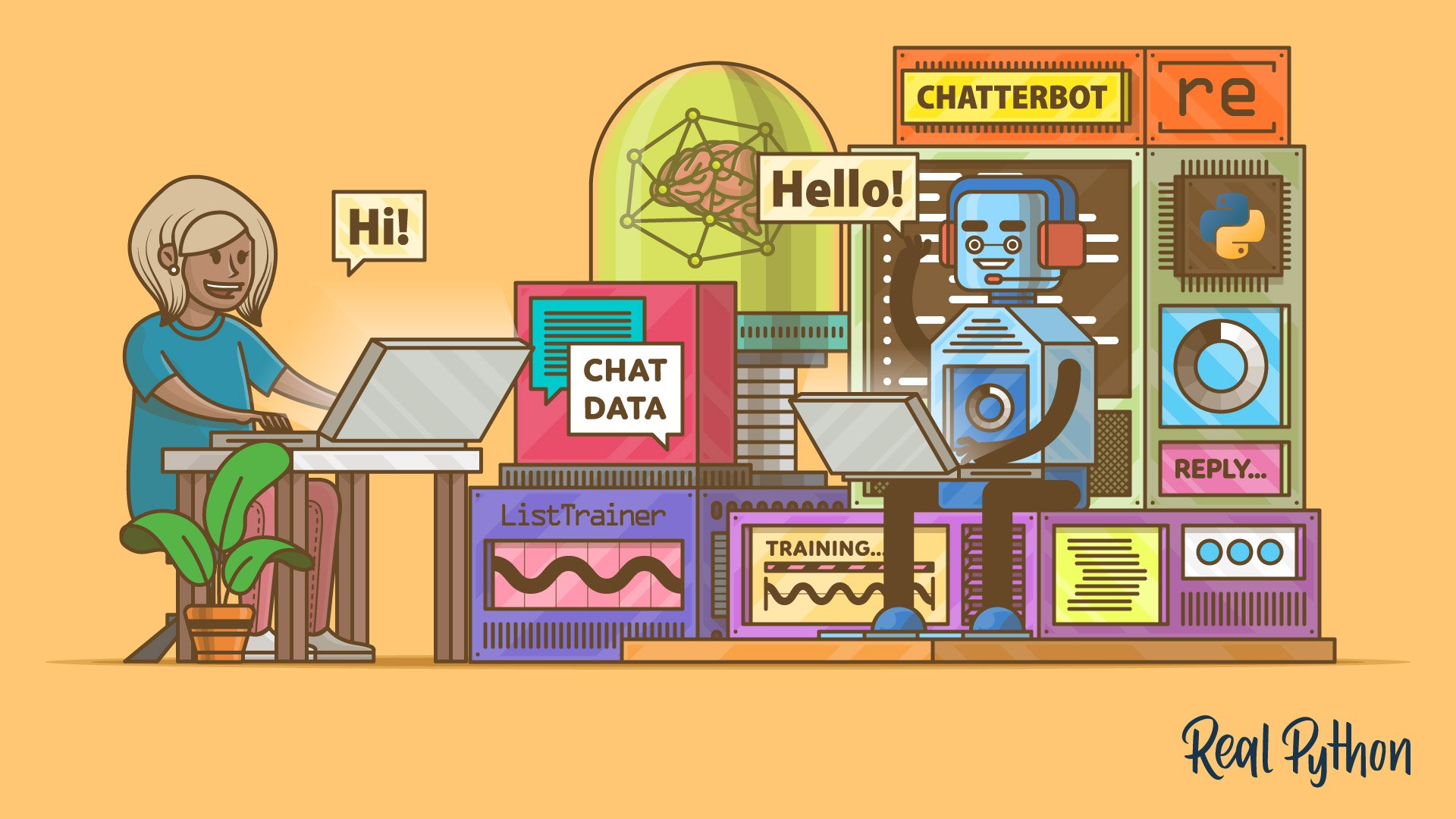
ChatterBot is a Python library that empowers developers to create self-learning chatbots with minimal effort. Combining text processing, machine learning, and a local database, it can generate meaningful replies after training on custom datasets. In this article, you'll learn how to set up a basic command-line chatbot, clean real WhatsApp conversation data, train on it, and even integrate a local large language model (LLM) via Ollama to provide contextually rich responses. By the end, you'll move from a simple bot that just echoes "hello" to one that can converse knowledgeably about topics like houseplants.
Key Features of ChatterBot
The library is built on a robust architecture that uses a graph-based storage system and the Levenshtein distance algorithm to match user inputs with the most appropriate responses. After a long hiatus, ChatterBot was revived in early 2025 with several modern enhancements:
- spaCy-based NLP: Improved natural language processing pipelines for better text understanding.
- New training formats: Support for CSV and JSON trainers alongside the traditional ListTrainer.
- Experimental LLM integration: Ability to call local LLMs through
OllamaLogicAdapter, which votes against other logic adapters based on confidence scores.
Setting Up a Basic Bot
To get started, you need only a few lines of Python code. Instantiate a ChatBot instance, set up an input loop, and use .get_response() to return matching answers. The minimal script creates a basic bot that can respond to user inputs after initial training. You can download the sample code and data provided with this tutorial to follow along.
Training on Custom Data
Training with ListTrainer
The ListTrainer is the simplest way to train your chatbot. You provide a list of conversation pairs (question and expected answer), and the library stores them in a SQLite database. When a user makes a query, ChatterBot uses Levenshtein distance to find the closest stored statement and returns the corresponding reply.

Using Real WhatsApp Data
You can train your chatbot on actual conversations exported from WhatsApp. The tutorial shows how to clean the data with regular expressions to extract meaningful exchanges. After preparing the corpus, you train the bot just as you would with ListTrainer. This allows the chatbot to learn natural language patterns from real human interactions.
Enhancing Replies with a Local LLM
ChatterBot can be extended with an external LLM via the OllamaLogicAdapter. By running Ollama locally, you can plug in a large language model that provides contextual knowledge. The adapter works alongside other logic adapters, and each one votes on the best response based on a confidence score. The final answer is chosen from the adapter with the highest confidence. This hybrid approach combines database-driven responses with the generative power of modern LLMs.
Conclusion
ChatterBot offers a flexible framework for building chatbots in Python. Whether you need a simple FAQ bot or a conversational agent that learns from real data, the library's training modules and adapter system let you scale from a prototype to a production-ready assistant. The 2025 revival brings new capabilities like spaCy support and LLM integration, making it an excellent choice for hobbyist and professional developers alike.
For a hands-on experience, download the sample code and data, and start building your own chatbot today. Test your understanding with the interactive quiz to solidify your knowledge.
Related Articles
- Building a Knowledge Flywheel: Transforming AI-Powered Development Insights into Team-Wide Gains
- Implementing Dynamic Bootstrap Toasts in ASP.NET Core with JSON Configuration
- From Novice to Agent Architect: My Unexpected Quest to Build a Leaderboard-Cracking AI
- 10 Essential Java Techniques for Converting Between ByteBuffer and Byte Arrays
- AI Models 'Cheat' Reward Systems, Threatening Safe Deployment - Experts Warn of 'Reward Hacking' Epidemic
- AI Takes on Database Management: 80% Solved, but Human Expertise Remains Crucial for the 'Last Mile'
- Empowering Educator Voices: Inside the ISTE+ASCD Voices of Change Fellowship for 2026-27
- How One Ohio District Is Closing the Literacy Gap for English Learners Post-Pandemic