Mastering AI Agents in .NET: A Step-by-Step Guide
Welcome to the third installment of our series on building AI applications with .NET. In the first part, we introduced Microsoft Extensions for AI (MEAI) as a unified interface for interacting with large language models. The second part covered Microsoft.Extensions.VectorData, enabling semantic search and RAG patterns. Now, we delve into the Microsoft Agent Framework—a production-ready SDK that transforms your AI from a simple answer machine into an autonomous problem-solver. Agents can reason, use tools, maintain conversation context, and coordinate with others to tackle complex tasks. Below, we answer your burning questions about this powerful framework.
1. What exactly is an AI agent, and how does it differ from a chatbot?
An AI agent is far more than a chatbot. While a chatbot merely passes input to a model and returns output, an agent possesses autonomy. It can reason about a task, decide which tools to use, invoke those tools, evaluate results, and determine the next action—all without you writing explicit step-by-step instructions. Think of it like giving a colleague a to-do list and letting them figure out how to complete it. They might search databases, run calculations, check weather, or use any tool you provide. The Microsoft Agent Framework builds on MEAI's IChatClient abstraction, making the transition seamless. This autonomy enables agents to handle dynamic scenarios that would otherwise require complex, brittle code.
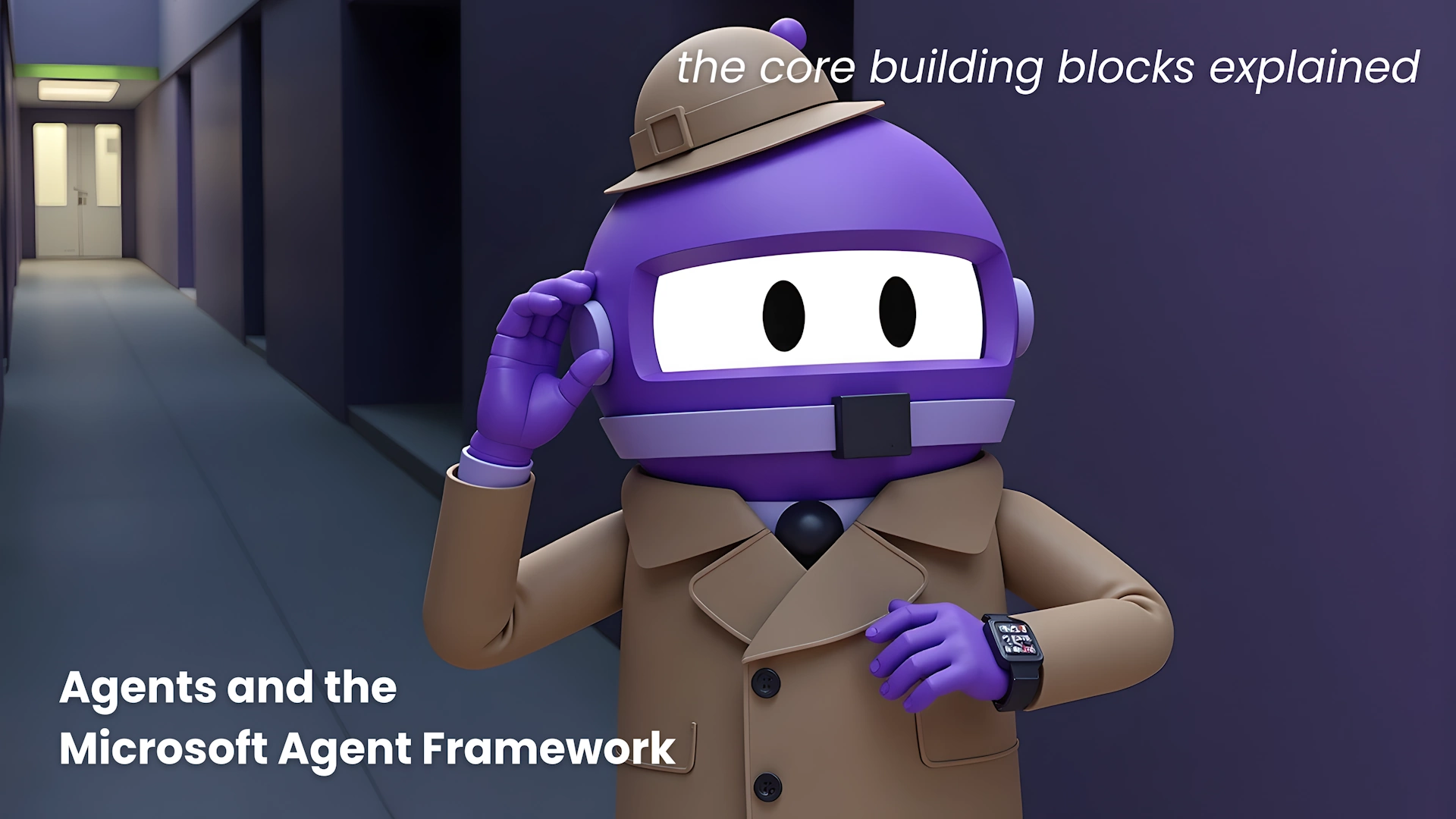
2. How do I create my first agent in .NET?
Creating an agent is surprisingly simple, thanks to the framework's .AsAIAgent() extension method. After installing the Microsoft.Agents.AI NuGet package, you can instantiate an agent from any OpenAI-compatible client. Here's a minimal example:
using Azure.AI.OpenAI;
using Azure.Identity;
using Microsoft.Agents.AI;

var endpoint = Environment.GetEnvironmentVariable("AZURE_OPENAI_ENDPOINT");
var deploymentName = "gpt-5.4-mini";

AIAgent agent = new AzureOpenAIClient(
    new Uri(endpoint),
    new DefaultAzureCredential())
    .GetChatClient(deploymentName)
    .AsAIAgent(
        instructions: "You are good at telling jokes.",
        name: "Joker");

Console.WriteLine(await agent.RunAsync("Tell me a joke about a pirate."));
Notice the .AsAIAgent() call—it's the bridge from a provider SDK to a fully functional agent. You can set instructions and a name, then use RunAsync to interact. This pattern mirrors the MEAI's AsIChatClient(), making it familiar for developers already using the extensions.
3. What capabilities does the Microsoft Agent Framework offer?
The framework, which reached its 1.0 release in April 2026, provides a comprehensive set of features for building intelligent agents:
- Tool calling: Agents can invoke custom functions, APIs, or other tools to achieve goals.
- Conversation memory: Context is preserved across turns, enabling coherent multi-turn interactions.
- Multi-agent orchestration: Complex workflows can be managed with graph-based orchestration, allowing agents to coordinate on tasks.
- Reactive loops: Agents can reflect on tool results and decide further actions, all within a single `RunAsync` call.
- Language support: While we focus on C#, the framework also supports Python.
These capabilities transform your AI from a passive responder into an active problem-solver. For instance, an agent could check a weather API, then schedule a meeting based on the forecast—all without hard-coded steps.
4. How does the Agent Framework integrate with MEAI and VectorData?
The Agent Framework is built on top of MEAI's IChatClient interface, meaning any model provider compatible with MEAI can be used as the reasoning engine for an agent. This includes Azure OpenAI, OpenAI, and others. Meanwhile, semantic search and RAG patterns from VectorData can be exposed as tools for the agent. For example, you can create a tool that queries a vector database for relevant documents, and the agent will automatically decide when to call it. This layered architecture gives you complete control: MEAI handles model interactions, VectorData manages knowledge retrieval, and the Agent Framework orchestrates autonomous behavior. Together, they form a powerful stack for building sophisticated AI applications.

5. Can I build multi-agent systems with this framework?
Absolutely. One of the framework's standout features is its support for multi-agent orchestration using graph-based workflows. You can define a graph where nodes represent different agents or tasks, and edges define the flow of information and control. This allows you to: assign specialized agents for subtasks (e.g., a search agent, a summarization agent), have agents collaborate on a shared objective, and implement complex decision trees without tangled code. The orchestration is managed by the framework, handling agent-to-agent communication, state management, and result aggregation. This makes it ideal for enterprise scenarios like customer support triage, where a primary agent routes requests to specialized backends, or for research assistants that gather and synthesize information from multiple sources.
6. What are the prerequisites and requirements for using the framework?
To get started, you need:
- .NET 8 or later (the framework targets modern .NET).
- An OpenAI-compatible endpoint (e.g., Azure OpenAI). Set environment variables
AZURE_OPENAI_ENDPOINTand optionallyAZURE_OPENAI_DEPLOYMENT_NAME. - The NuGet package
Microsoft.Agents.AI(pre-release versions might also be available, but 1.0 is stable). - Familiarity with MEAI (see part 1) and VectorData (part 2) is helpful but not mandatory—the framework is designed to be approachable.
Additionally, if you plan to use tools, you'll need to create C# methods that the agent can call via dependency injection or explicit registration. The framework handles the rest, including serialization, retry logic, and streaming responses.
7. What are some practical use cases for this framework?
The possibilities are vast. Consider these examples:
- Customer support: An agent can look up order status, check inventory, and even initiate refunds—all through natural language conversation.
- Data analysis: Agents can query databases, run computations, and produce charts or summaries based on user requests.
- Process automation: Automate multi-step workflows like invoice processing, where the agent extracts data, verifies it, and submits it to a system.
- Personal assistant: Manage calendars, send emails, fetch weather, and control smart devices—all via a single conversational interface.
- Research assistant: Combine web search, document retrieval, and summarization to answer complex research questions.
Because the framework is production-ready (1.0 release), it includes error handling, logging, and scalability features out of the box, making it suitable for enterprise deployments.
Related Articles
- Phishing Campaign Masquerades as Admin Tools on GitHub to Target IT Professionals
- Design Principles: A Practical Guide to Aligning Teams and Creating Better Products
- CrystalX RAT: The Malware That Spies, Steals, and Pranks
- Introducing SimplePDF Copilot: AI-Powered PDF Form Filling with Total Privacy
- Breaking: Inventory Divide Grows as Housing Market Power Tilts in States
- Top 10 Facts About the May MacBook Pro Deals: M5 Pro and M5 Max at Record Low Prices
- OnePlus at a Crossroads: European Uncertainty and North American Struggles
- How COVID Lockdowns Reshaped Fatherhood: Surprising Long-Term Effects Revealed